
LinkedIn ads for leads: the targeting layer that matters
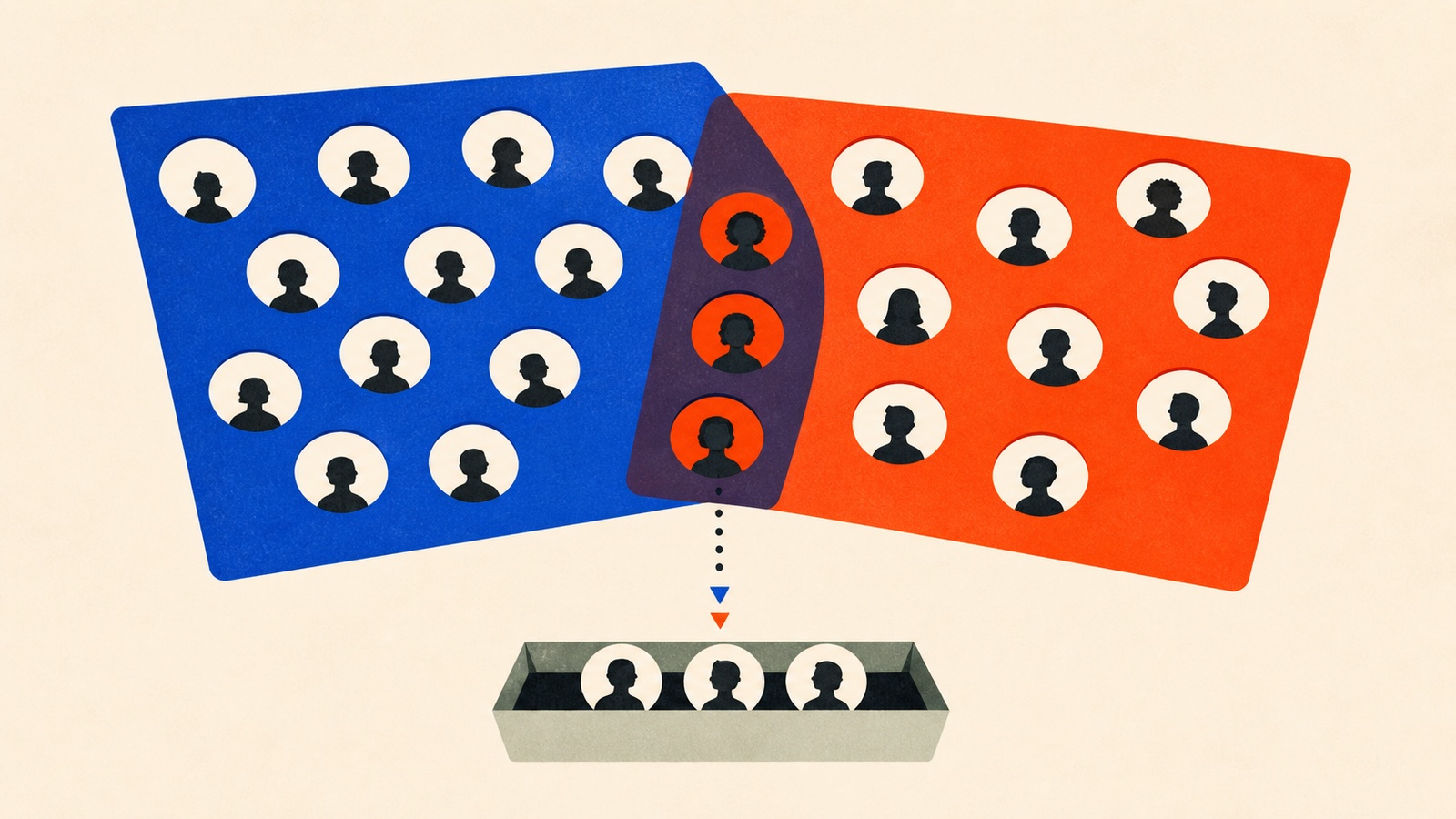
A LinkedIn ad campaign can hit every targeting box on the setup screen (job title, industry, company size) and still reach people who have no authority to buy anything. Broad, defensible-looking targeting and effective targeting aren't the same thing, and the gap between them is where a lot of B2B ad budgets quietly disappear.
The frustrating part is that the campaign usually looks fine while it's happening. Impressions climb, clicks come in at a respectable rate, the dashboard is green across the board. Nobody notices the mismatch until sales starts asking why none of these "leads" have ever heard of the budget approval process, let alone control it. By then, weeks of spend already went to people who were never going to buy.
The fix isn't more targeting parameters stacked on top of each other. It's targeting built in layers that each do a different job: one layer setting who's even eligible, a second layer narrowing that group down to people who've shown actual interest.
The two-layer targeting structure that fixes broad-but-wrong audiences
The book in this kit, Lead Generation with LinkedIn Ads, works through this problem using LinkedIn's Matched Audiences feature, which lets you combine three data sources (website retargeting, uploaded contact lists, and specific company targeting) instead of relying on job-title filters alone.
Its worked example is for a cloud security company, and it's specific enough to copy directly. The primary layer sets the floor: job functions limited to Information Technology and Information Security, seniority at director level and above, company size of 1,000 or more employees. That alone already beats generic "IT professionals" targeting. The secondary layer refines it further: skills in cloud computing, network security, and risk management; membership in relevant professional associations; and, the part most campaigns skip, prior engagement with security-related content. That last filter matters because it targets people who've already shown interest in the problem, not just people whose job title suggests they might have it.
The book pairs this with a floor worth knowing before you build a similarly narrow audience: LinkedIn recommends a minimum audience size of 50,000 for most campaigns. Stack too many layers onto the targeting and you can shrink a promising audience below the size the platform needs to deliver consistently, which shows up as a campaign that technically launched but never really ran.
The same layered logic applies once a prospect reaches your lead form, where the book quantifies a tradeoff most form builders ignore: every additional field costs completions, and the cost isn't uniform. Name and email cost almost nothing, about a 1% drop in completion. Company and title cost more, around 3%. Industry and company size, used for qualification, cost roughly 5%. Budget and timeline, the fields that actually tell you if someone's ready to buy, cost as much as 8%. None of that means skip the qualifying fields. It means every field you add should be there because the 5-8% drop is worth what you learn, not because a template included it.
Where people go wrong
The most common mistake is targeting too broadly at the primary layer and calling it done: "IT professionals in the US" is a defensible-sounding audience that still wastes spend on people three levels below any purchasing authority. The fix from the book's own example is adding a seniority and company-size filter before anything else.
The second mistake goes the opposite direction: stacking so many secondary-layer filters that the audience drops below LinkedIn's delivery threshold, and not noticing because the campaign still shows as active.
The third shows up after the leads arrive, not before: reading engagement metrics as success without checking them against sales feedback. A campaign can show strong click and form-completion rates while sales quietly reports that none of the leads are actual decision-makers.
That combined view, ad platform data plus what your sales team actually hears on the calls, is what separates a lead-generation campaign from a lead-collection one. Marketing dashboards can only tell you that someone filled out a form; they can't tell you whether that person can sign a contract. Closing that loop usually means a short, recurring conversation between whoever runs the campaign and whoever takes the resulting calls, not a report that gets forwarded once a month. It's the same discipline covered across paid channels in the paid ads and landing pages guide.
Inside Lead Generation With LinkedIn Ads
Going deeper
- AudioLinkedIn Leads Lab
- BookLead Generation with LinkedIn Ads
- ChecklistLinkedIn Ad Creative Development
- ChecklistPre-Campaign LinkedIn Ads Setup
- GuideLinkedIn Ad Testing Framework
- GuideLinkedIn Lead Form Optimization
- Mini-CourseB2B Leads with LinkedIn Ads
- Prompt PackB2B Lead Generation
Lead Generation With LinkedIn Ads is one of 13 bundles in The Paid Ads & Landing Pages Pack, or take the whole pack for $29.
Related reading
Paid ads and landing pages: the complete guide for small budgets
How to run paid ads on a small budget: pick one platform, write the ad, fix the landing page, and read the numbers before you spend more.
Read more
Paid marketing strategy: the plan most campaigns skip
A paid marketing strategy needs a specific goal, a flexible budget, and a way to connect daily metrics to revenue, not more platforms.
Read more
Performance Max, without losing track of what it's spending
The budget formula and six-week learning timeline for running a Google Performance Max campaign without panicking at week two.
Read more