
Choosing a website builder, and the five numbers that mean it's ready
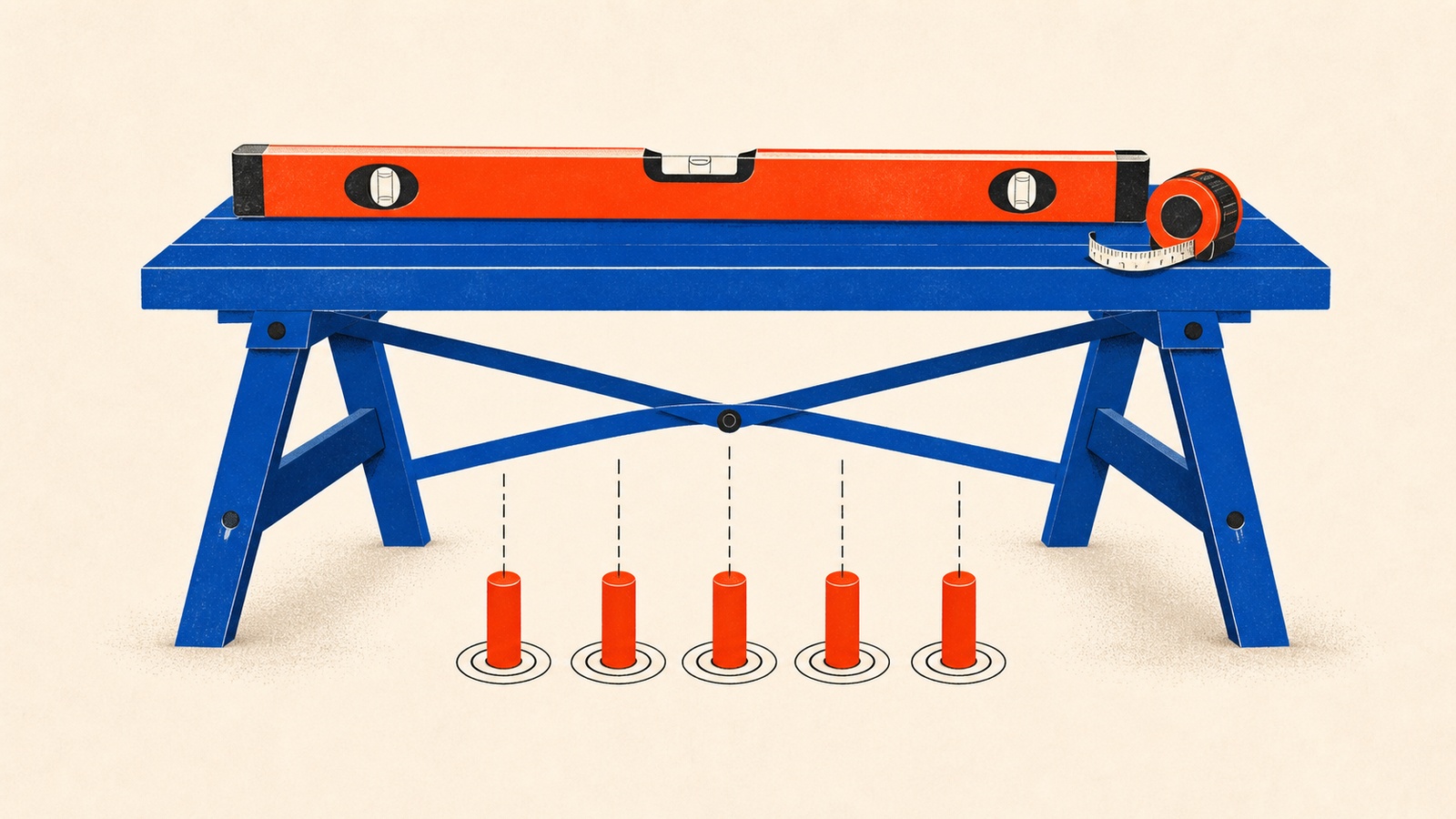
Every website builder's homepage says the same thing: easy, fast, no code required. That's true of all of them, which means it tells you nothing about which one is right for your business. The decision that actually matters is further down: what you need the site to do, and how you'll know it's ready to show anyone.
The book cites Zippia data putting website adoption among U.S. small businesses at 73% as of 2023, which sounds like the problem is mostly solved until you notice what that number doesn't say. Having a website and having one that works are different achievements, and a majority of that 73% never gets around to checking which one they actually built.
How to Build a Website treats both halves of that problem as equally important. Picking a platform is chapter one. Knowing when to stop tweaking and go live is chapter five. Most guides only cover the first, which is how businesses end up with a site that launched on schedule and still doesn't perform.
The builder comparison, and the five numbers that mean "ready"
The book's builder comparison is narrower and more specific than most: Wix for creative businesses that want layout flexibility, starting around $17/month; Squarespace for brands built on visual impact, around $16/month; GoDaddy for local businesses that want the fastest setup, around $10/month; and Hostinger for budget-conscious founders, starting near $2.69/month with AI-assisted content tools included. The book's advice on choosing between them isn't "cheapest wins," it's to list your must-have features first (booking system, online store, blog) and let that list eliminate options, since the base price rarely includes everything you'll actually need.
Once the site exists, the book's launch chapter shifts from opinion to measurement. It walks through Google PageSpeed Insights and the five Core Web Vitals scores that determine whether a site is technically ready, not just visually finished:
- Largest Contentful Paint: under 2.5 seconds for your main content to load.
- Interaction to Next Paint: under 200 milliseconds for the site to respond to a click or tap.
- Cumulative Layout Shift: as close to zero as possible; nothing should jump around while loading.
- First Contentful Paint: under 1.8 seconds for anything to appear on screen.
- Time to First Byte: under 0.8 seconds for the server to start responding.
These aren't vanity numbers. The book cites Ledgeview Partners data that 88% of online shoppers are unlikely to return after one bad first experience, and Google's own PageSpeed documentation ties slow scores directly to visitors leaving before the page finishes rendering. A site that looks finished but fails these five checks is finished in the wrong sense.
Where people go wrong
The most common mistake is choosing a builder on sticker price alone, then discovering SSL certificates, custom domains, or the booking system you actually needed are locked behind a higher tier. The book's fix (list your must-haves before comparing prices) sounds obvious and gets skipped constantly, usually under time pressure.
A second mistake is launching the day the design looks finished, without running the PageSpeed check or testing on more than one browser and device. The book cites a Medium 2024 report showing sites that perform consistently across major browsers see roughly 15% higher engagement: a gap that's invisible if you only ever tested in the browser you personally use, on the one laptop that happens to sit on your desk.
The third is skipping the soft launch. Sharing the site with a small trusted group first, before the public announcement, catches broken forms and layout issues while the stakes are still low. Going straight to a public launch means your first real feedback arrives from strangers instead of people invested in your success, which is a worse way to find out something's broken. The book's own launch-week structure backs this up: core pages built and tested in week one, security and analytics wired up in week two, with a monitoring window in the first 48 hours after going live to catch anything the pre-launch checks missed. Skipping straight from "looks done" to "public" collapses that whole window into zero.
None of this replaces the trust-building work that decides whether a technically fast site actually converts. The fuller case for why a site needs to earn belief, not just load quickly, is covered in the Business Foundations guide.
Inside How To Build A Website Ebook
Going deeper
- BookHow to Build a Website - Ebook
- ChecklistHow to Build a Website - Checklist
- GuideHow to Build a Website - Guide
- Prompt PackHow to Build a Website - Prompts
- ToolstackHow to Build a Website - Toolstack
- WorkbookHow to Build a Website - Workbook
How To Build A Website Ebook is one of 16 bundles in The Business Foundations Pack, or take the whole pack for $29.
Related reading

Starting a business, in the order the work actually happens
The order small-business work really happens: testing the idea, building the smallest version, the website, the numbers, and stepping out of the middle.
Read moreDo you actually need a business plan?
Four questions that decide whether your business needs a formal plan or a lighter framework, plus the deadline trick for avoiding analysis paralysis.
Read moreHow much of your product you actually need to build first
What a minimum viable product should include, using the LinkedIn, Buffer, and Instagram examples that show essential features from nice-to-have ones.
Read more