
AI for small business: a 90-day plan instead of a shopping list
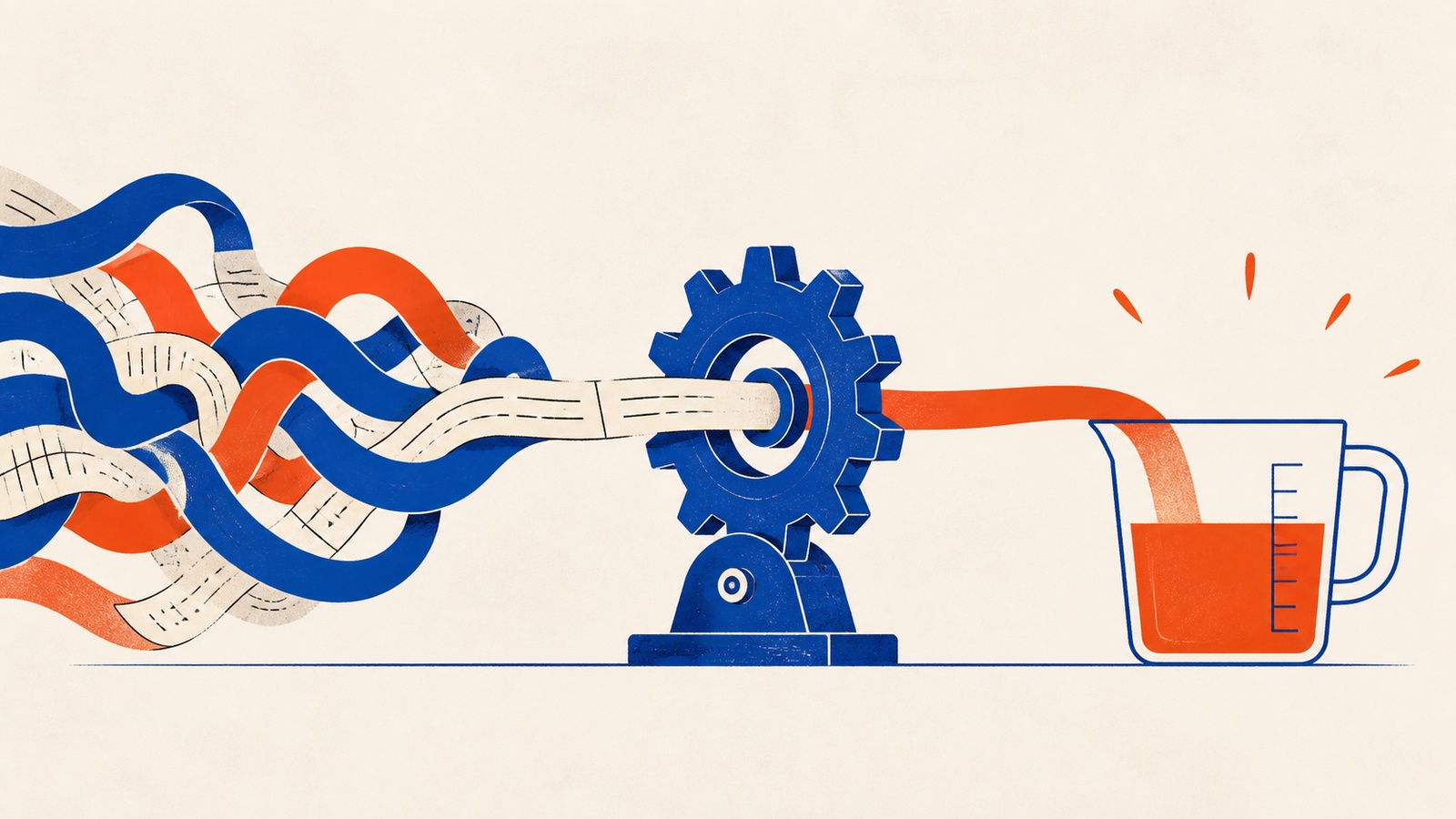
Every small business owner now has a browser tab full of AI tools they bookmarked and never opened. The advice is everywhere (automate your marketing, let AI handle customer service, cut your admin time in half) but almost none of it says which task to start with, what it should cost, or how you would know afterward whether it actually worked.
That gap between reading about AI and running a business with it is where most people get stuck. Picking a tool at random and hoping it earns its keep is how a $30-a-month subscription turns into one more unused login by month three. The businesses that get something real out of AI treat it like any other purchase: they measure the cost, measure the time it saves, and only then decide whether to keep paying.
The bundle's ebook, AI Profit Mastery for Small Business, is built around a fix for that: a 90-day sequence instead of a shopping list, paired with simple math for deciding if a tool is worth its subscription.
A 90-day roadmap, not a subscription spree
The book's own checklist, the 90-Day AI Implementation Roadmap, breaks "get started with AI" into three stages instead of one vague resolution.
Phase 1: foundation, days 1-30. Run a task audit first. For one week, write down every task you do and how long it takes, without changing your behavior yet. From that list, pull out anything that takes more than fifteen minutes and repeats on a predictable schedule: email replies, scheduling, invoicing, data entry. Pick the tool that solves your single biggest time drain, keep it under $200 a month, and set one measurable goal before you touch the settings: hours saved per week, inquiries handled automatically, or a specific increase in bookings.
Phase 2: automation, days 31-60. Once the first tool is running, add a second one that complements it (pair email automation with social scheduling, or a booking tool with a customer-service chatbot) and connect the two so information moves between them without you retyping it. Write down the new workflow so it survives you taking a week off, then test it against a few odd cases, like a duplicate order or a canceled appointment, before trusting it with real customers.
Phase 3: optimization, days 61-90. Measure the actual return against your Phase 1 baseline: hours saved, and revenue you can trace back to what you built. This is also when to add anything predictive, like demand forecasting, and to walk anyone else on the team through it, framing the tools as something that removes boring work rather than something that replaces a person.
The book pairs this timeline with a specific way to judge whether a tool earns its keep. Work out your own hourly rate first: divide the annual income you want by 2,000 working hours. At a $100,000 target, that is $50 an hour. A $100-a-month tool that saves five hours a week is worth roughly $1,000 a month in reclaimed time against $100 in cost, a return that is obvious once you have done the arithmetic instead of guessing. The book's rougher benchmark: a tool under $50 a month that saves two or more hours weekly is close to automatic, while anything over $500 a month needs to save twenty-plus hours before the wait to break even makes sense.
One example from the book: a small restaurant connected a reservation tool to its existing booking system in a few days and used it to text waitlisted customers as tables opened. Monthly revenue rose 23%, wait times fell by more than half, and the $199-a-month tool brought in roughly $28,900 in extra monthly revenue: the kind of margin that makes the ROI math feel almost beside the point, though the book still recommends doing it.
Where people go wrong
The most common failure is automating a process that was already broken. If a workflow produces mistakes when a person does it by hand, wiring an AI tool into it just produces the same mistakes faster and with less oversight. Fix the process on paper first, then automate the fixed version.
A second failure shows up right after a good result: trying to fix everything at once. A strong first win tends to produce four or five new subscriptions in a single week, and most small teams cannot absorb that much new software and troubleshooting at the same time. The book's own sequencing (one tool, then a second that complements it, then a connection between them) exists specifically to prevent this pileup.
The third, quieter mistake is skipping the baseline. Without a task audit before you start, there is no way to prove a tool actually saved anything, which makes it hard to decide in month four whether it is still worth the subscription. We cover the same one-tool-at-a-time discipline across every category of AI adoption, from marketing to customer service to back-office work, in the full AI and automation guide.
Inside AI Profit Mastery For Small Business
Going deeper
- AudioAI That Pays Off
- BookAI Profit Mastery for Small Business
- Checklist90-Day AI Implementation Roadmap
- GuideSmall Business AI ROI Calculator
- GuideThe 24
- Listicle7 Hidden AI Profit Levers Your Competition Doesn't Know
- Mini-CourseTransform Your Small Business with AI
- Prompt PackAI-Powered Small Business Success
- ToolstackThe Small Business AI Toolbox
AI Profit Mastery For Small Business is one of 12 bundles in The AI & Automation Pack, or take the whole pack for $29.
Related reading
AI and automation for one-person businesses: the complete guide
What a small business should automate first, how to write prompts that hold up, when a chatbot helps, and how to stay findable when machines answer.
Read more
Blockchain, for people who tuned out after 2021
What blockchain actually does, stripped of the get-rich-quick pitch, built around the three properties the technology depends on to work.
Read more
Does your business actually need a chatbot, or just better hours
A scored framework for deciding whether a chatbot is worth building for your business, before you spend on a platform you may not need yet.
Read more